Borma
A small macOS app launcher. Press the hotkey, type, hit Return.
About
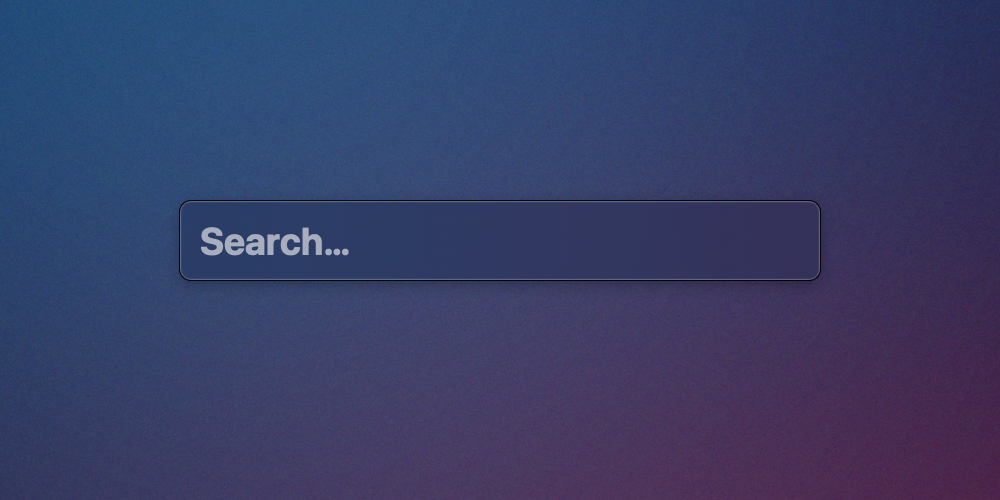
Borma is an app launcher for macOS. Tap ⌘⇧Space and the search panel appears.
Type the first few letters of some app’s name, press return, and the app
opens. Press Esc and the panel goes away.
Spotlight does a lot of things. Borma does one thing.
Components
Panel
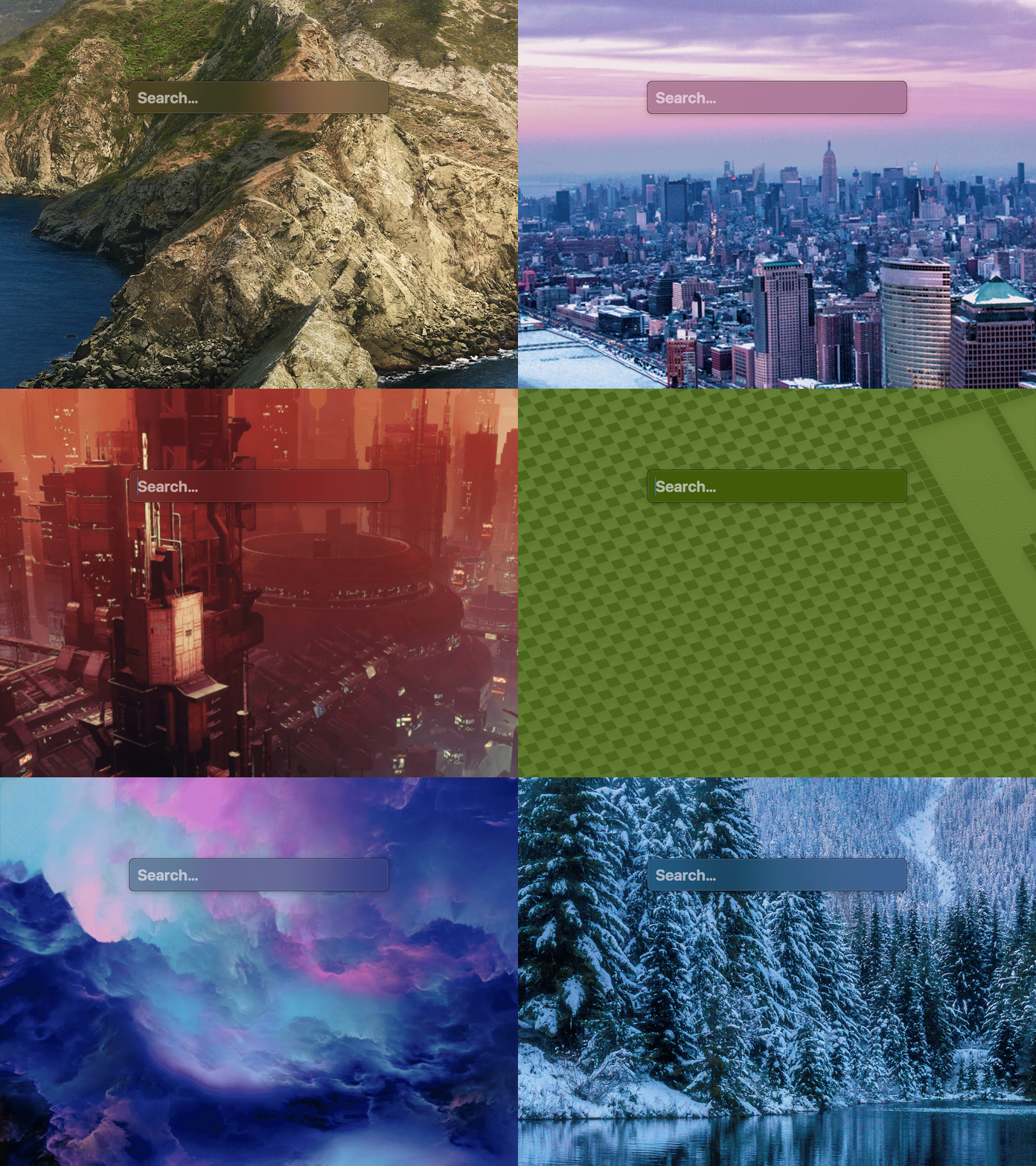
Designing the panel required consideration for what it means to place an input box in the middle of someone’s screen. It floats above other windows, follows the user across spaces, and appears inside fullscreen apps. It should look great on top of any wallpaper too.
Search
Searching must be fast. A list of all installed apps is generated when the app launches and it updates that list whenever you install / remove anything.
Results are ranked by match quality and by how often you launch them. Apps you launch often float to the top.
Settings
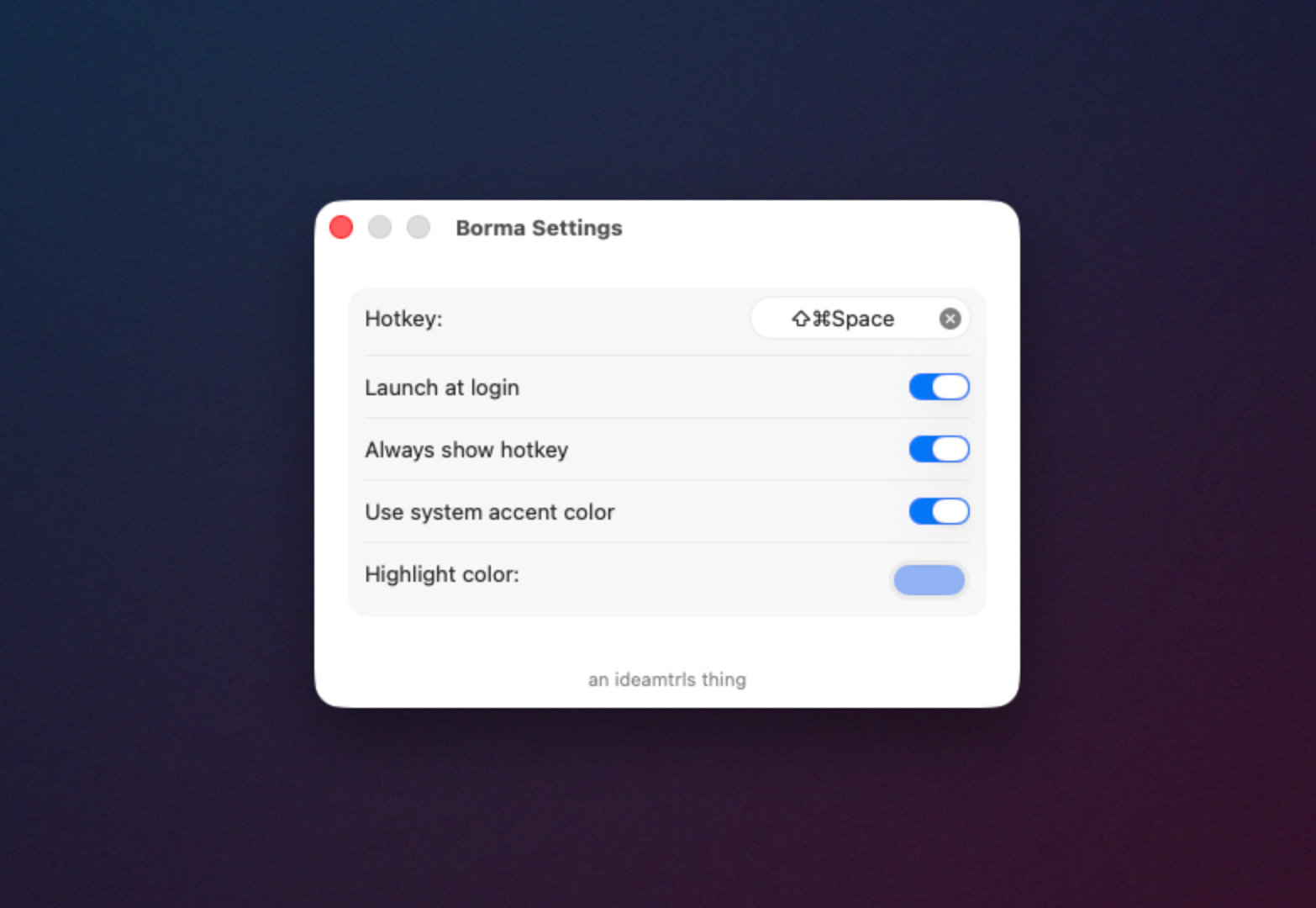
To open the settings window, open the panel and then press ⌘,. Or choose it
from the menu bar.
Note
⌘Spaceis the default shortcut for Spotlight. It must be freed from Spotlight before it can be used for Borma.Open System Settings and go to
Keyboard -> Keyboard Shortcuts -> Spotlightand uncheck Show Spotlight Search.